
Find Out What ChatGPT Searches for
First, you need to find the search queries ChatGPT uses when it searches the web to answer a question. You can check these using Chrome Developer Tools.
Follow these steps:
Open ChatGPT and enter your target query. For example, if you want to write about Google AI Overviews, enter: " How to Get Your Business Featured in Google AI Overviews."
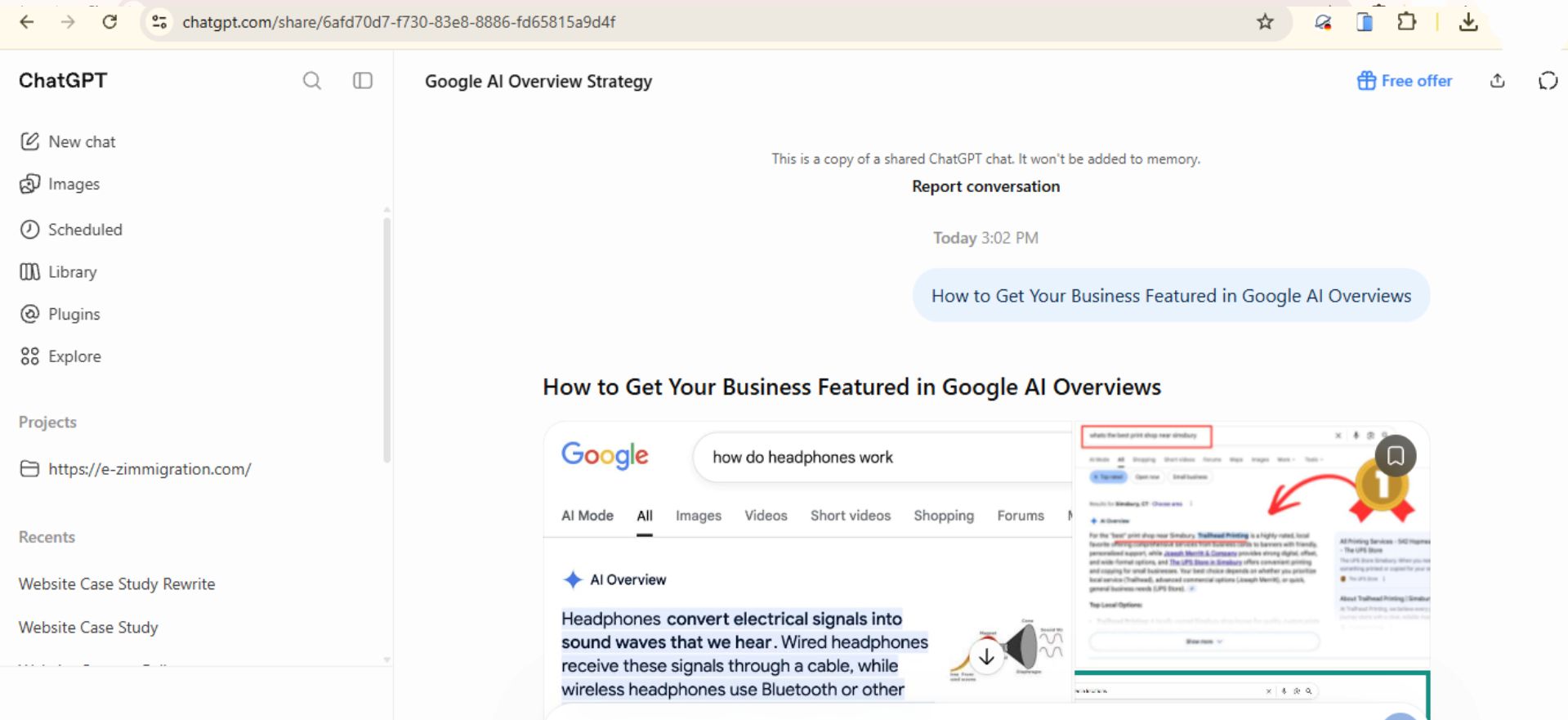
Wait for ChatGPT to answer.
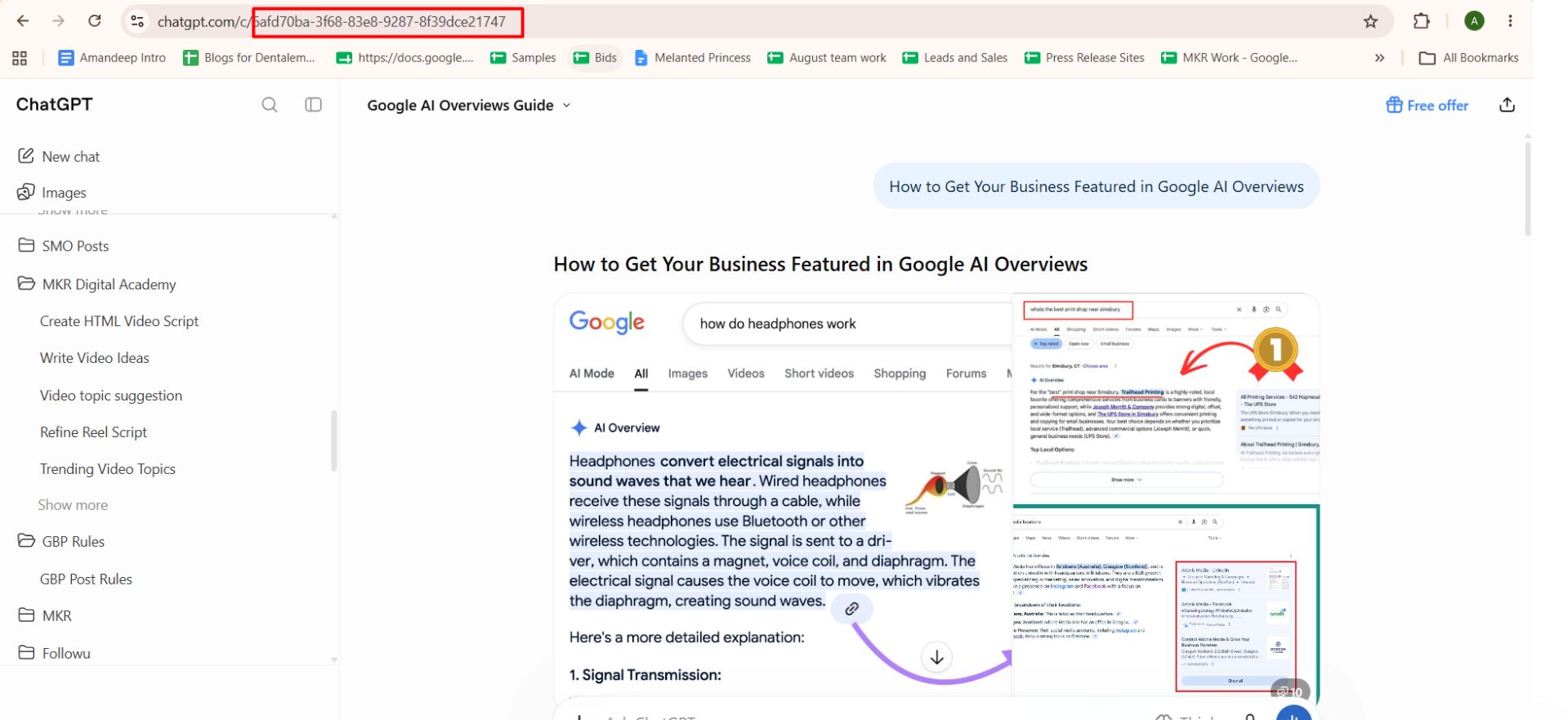
Go to your browser's address bar and copy the conversation URL.
Find the part of the URL that comes after /c/. This is your conversation ID.
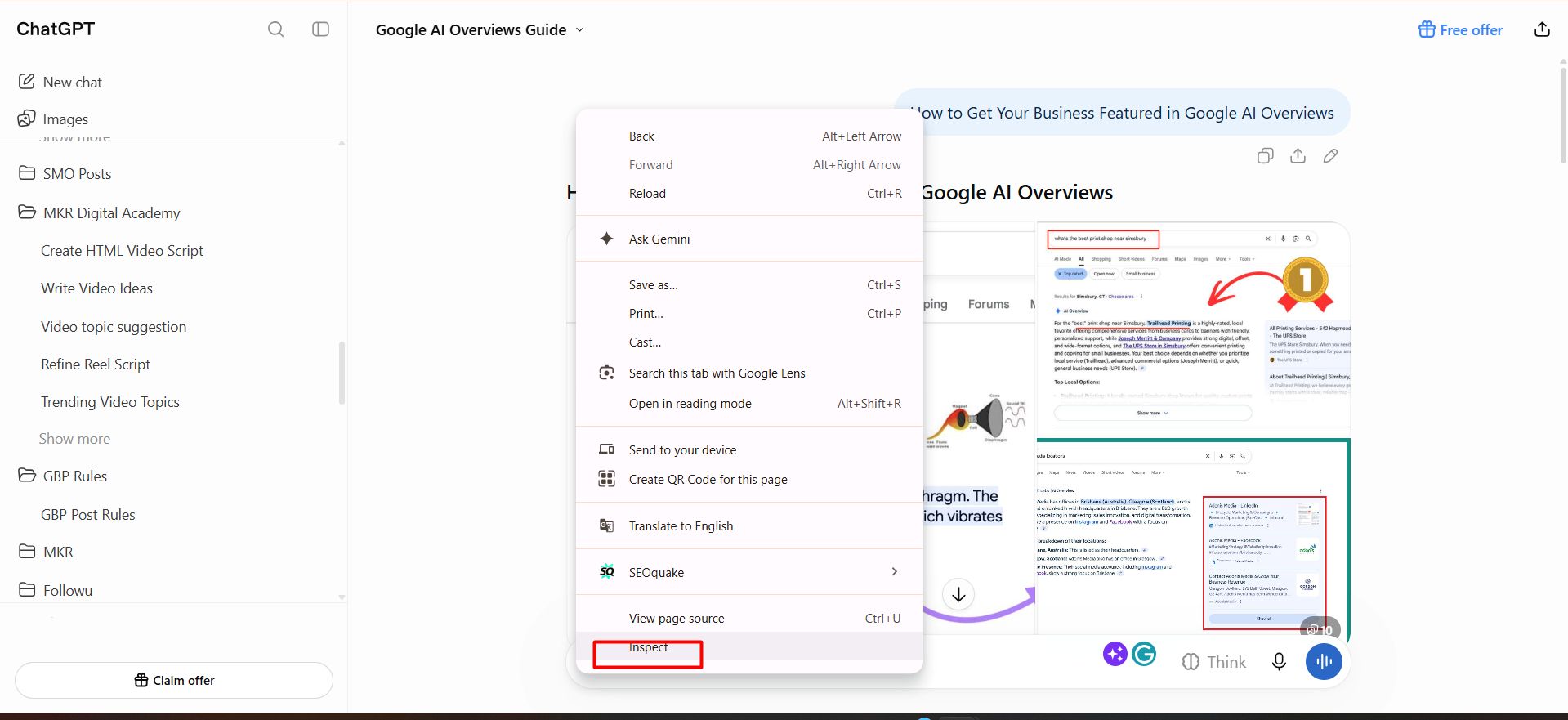
Right-click anywhere on the ChatGPT page and select Inspect. You can also press F12 or Ctrl + Shift + I to open Developer Tools.
Click the Network tab.
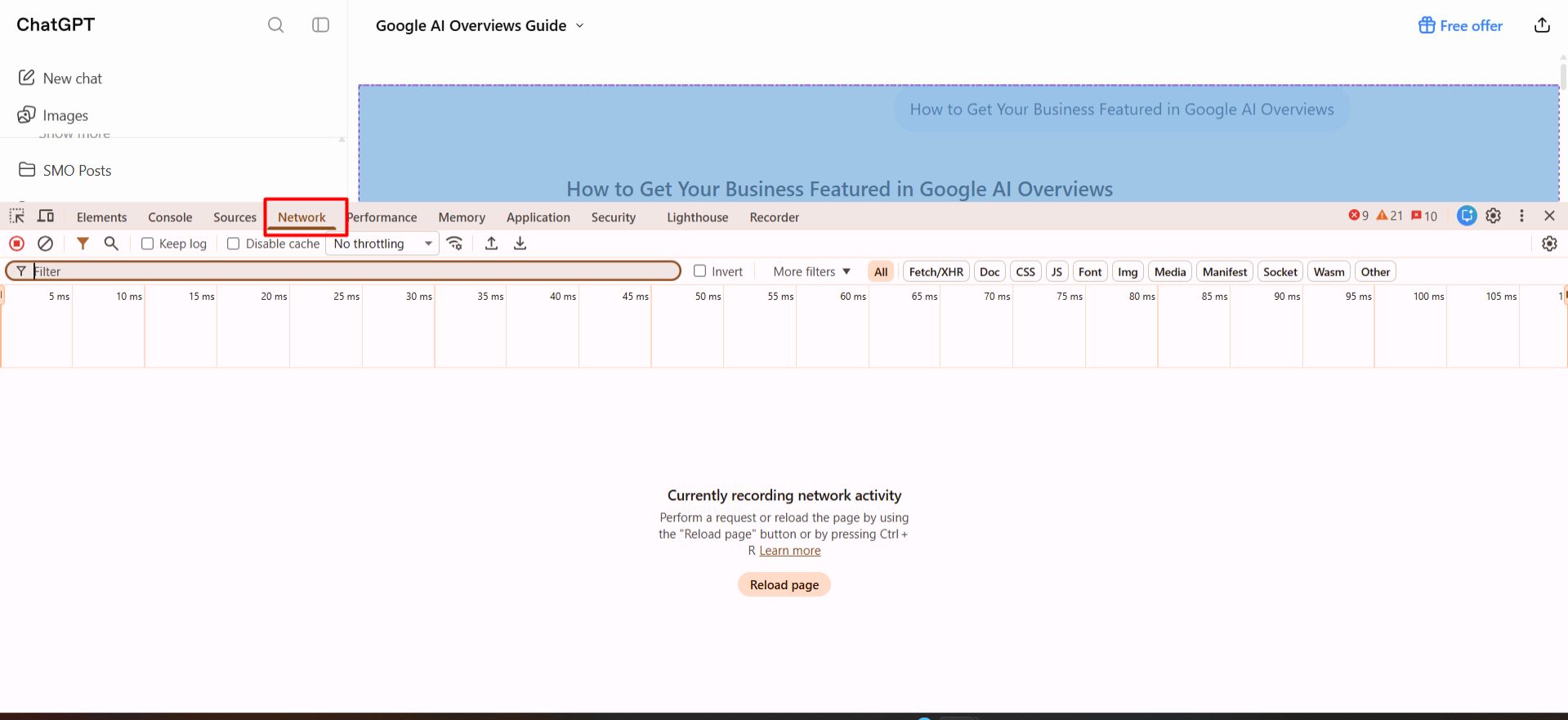
Select the Disable cache checkbox.
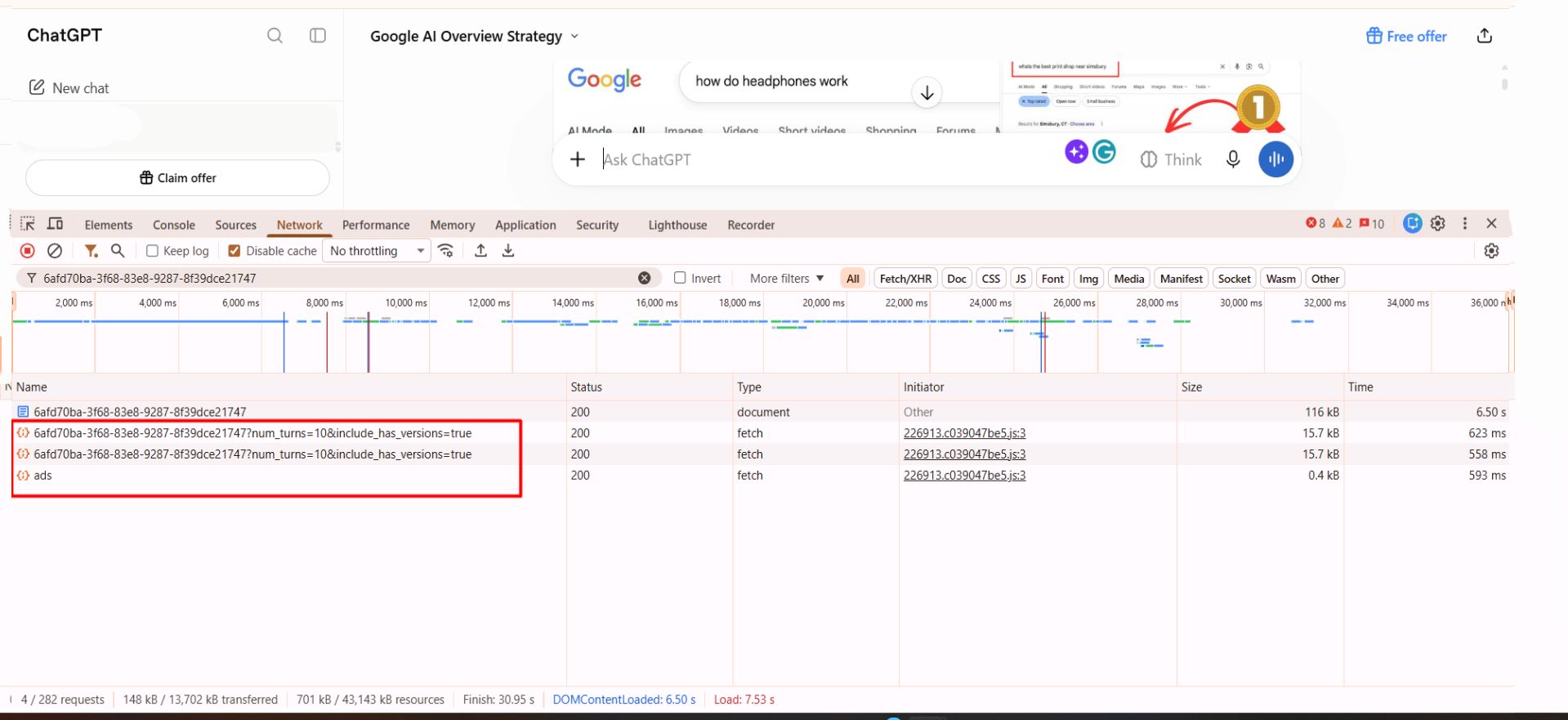
Paste the conversation ID you copied earlier into the Network filter/search box.
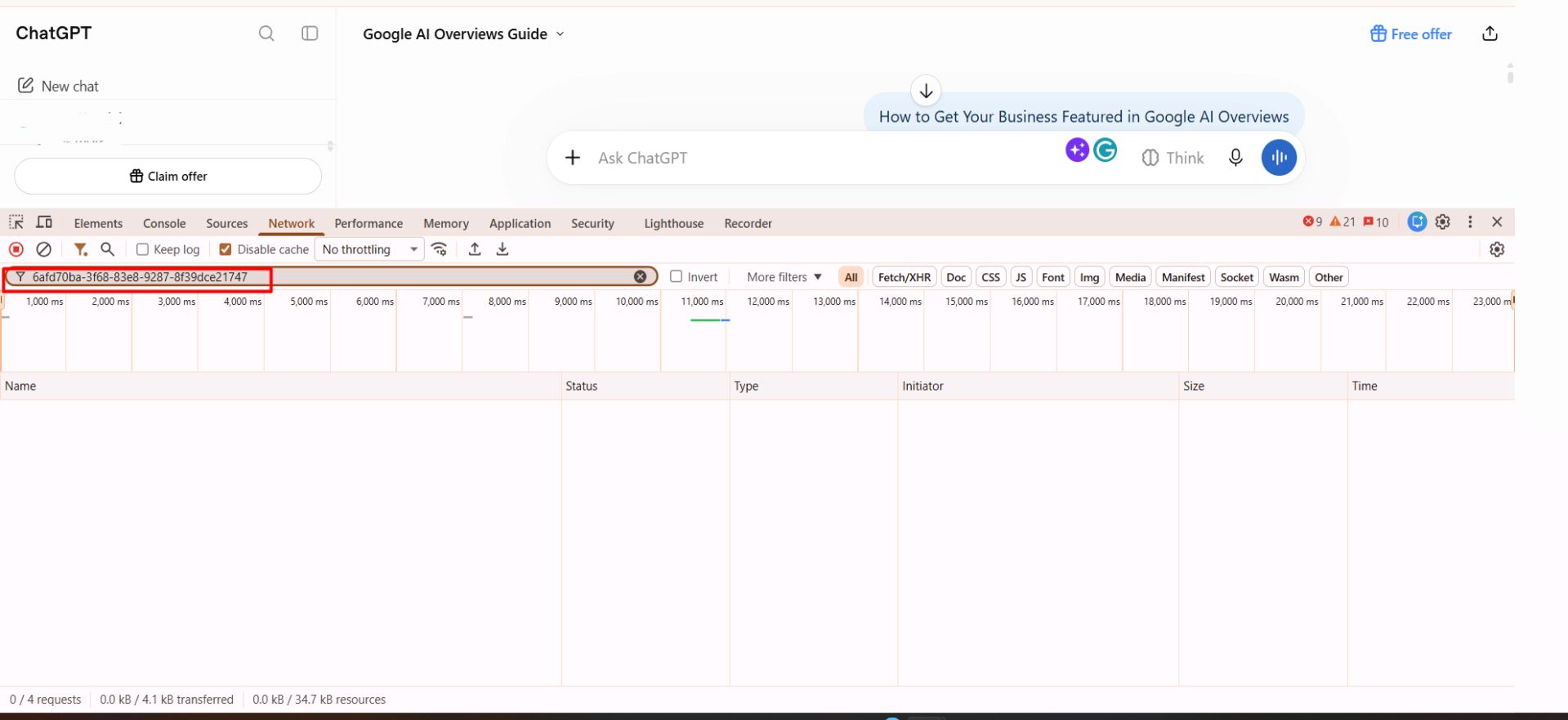
Reload the ChatGPT page.
Find the request that matches the conversation ID.
Click the matching request with the orange curly brackets {} icon.
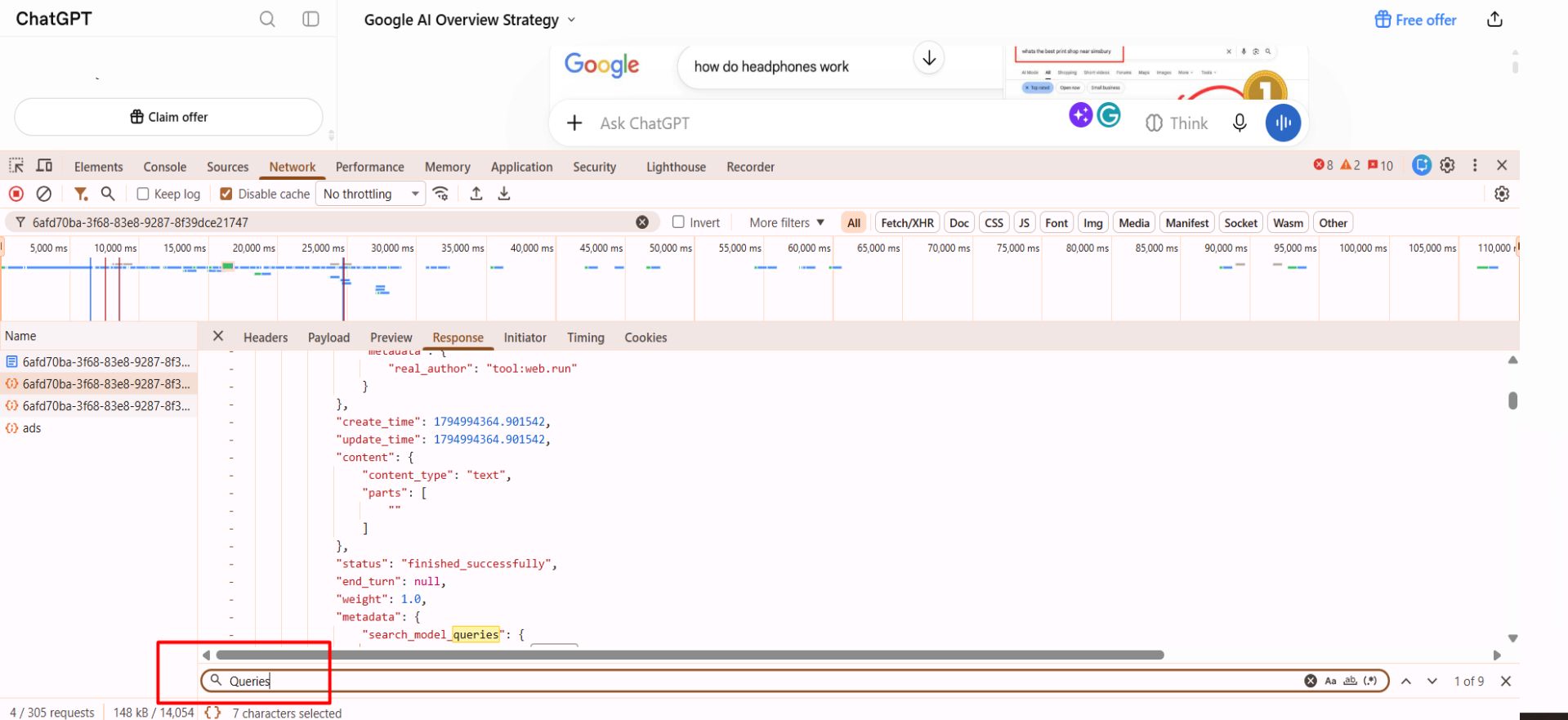
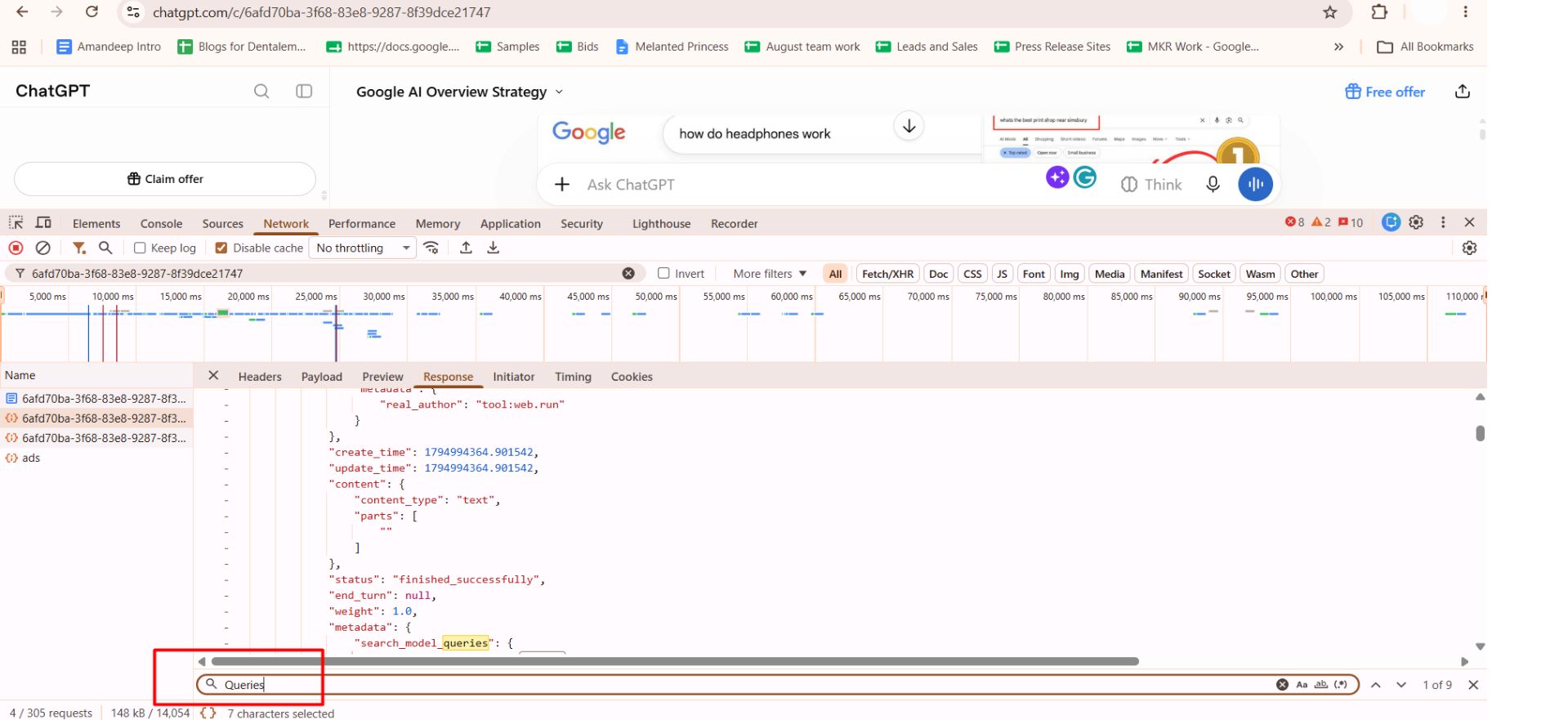
Open the response and search for ChatGPT search queries.

Search for the Query on Google
Copy the query you found in the previous step and paste it into Google.
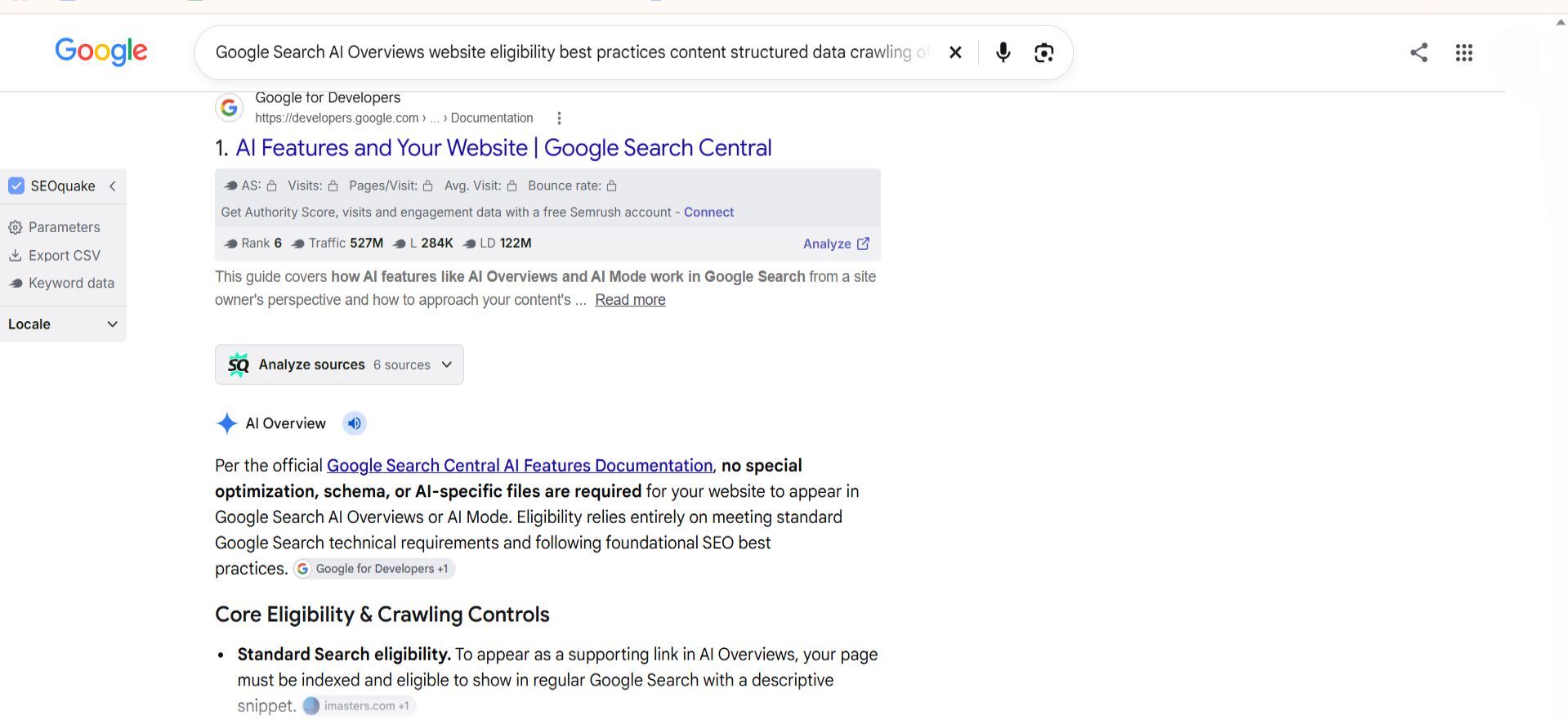

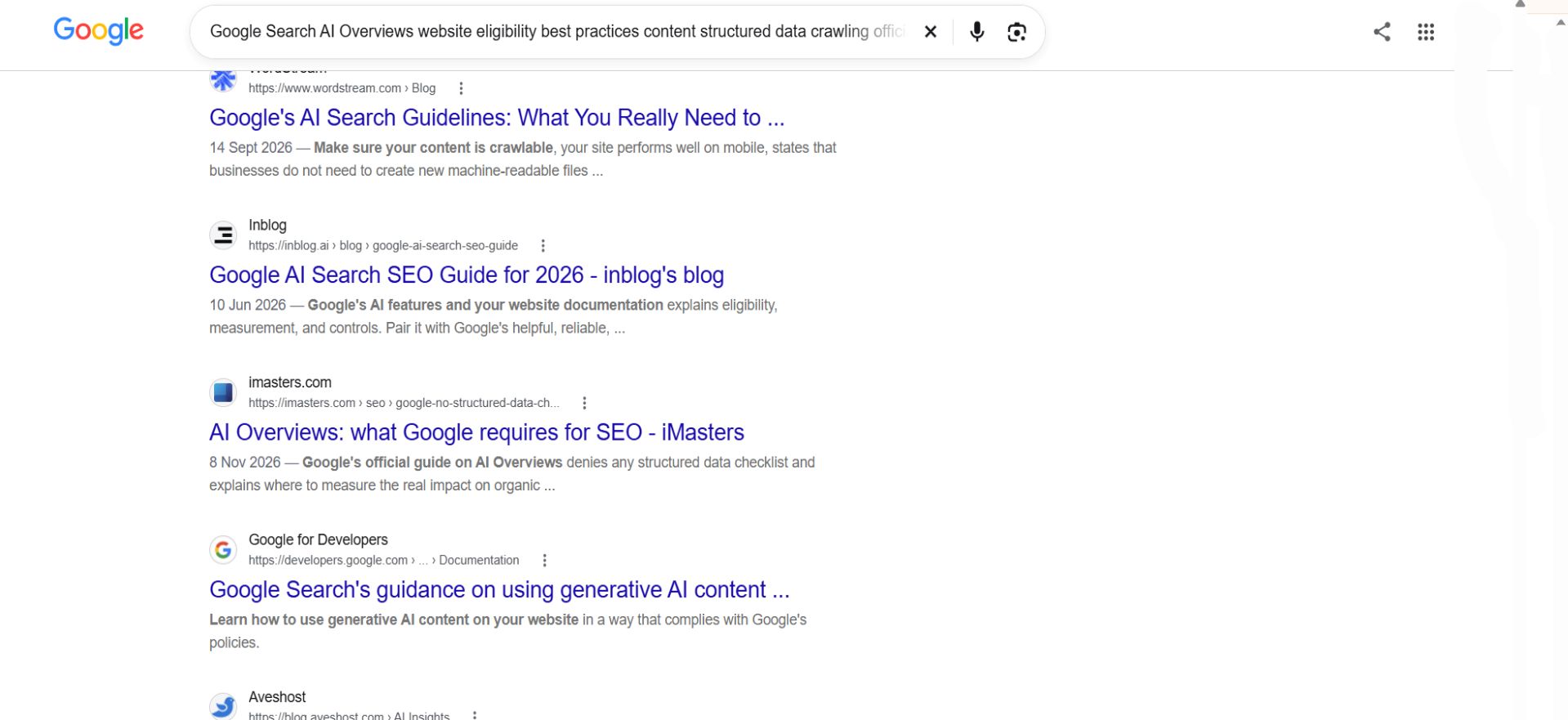
Collect Headings From the Top Three Results
Next, collect the headings from all three articles. You can use the Detailed SEO Extension for Chrome.
Here's what to do:
Install the Detailed SEO Extension if you haven't already.
Open the first article from Google.
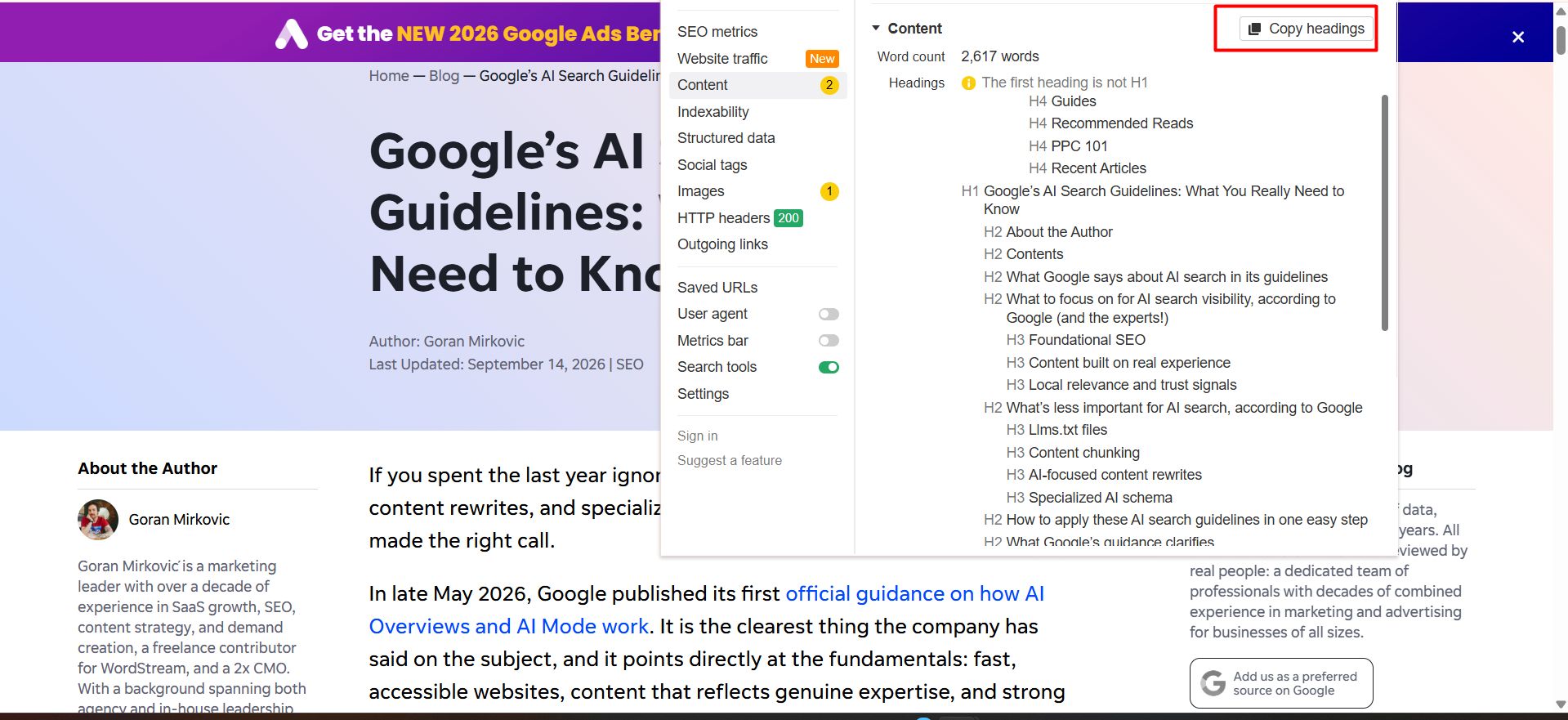
Click the Detailed SEO Extension icon in your browser.
Open the Headings section.
Copy the headings shown there.
Repeat the same steps for the other two articles.

Create a Blog Outline Using ChatGPT
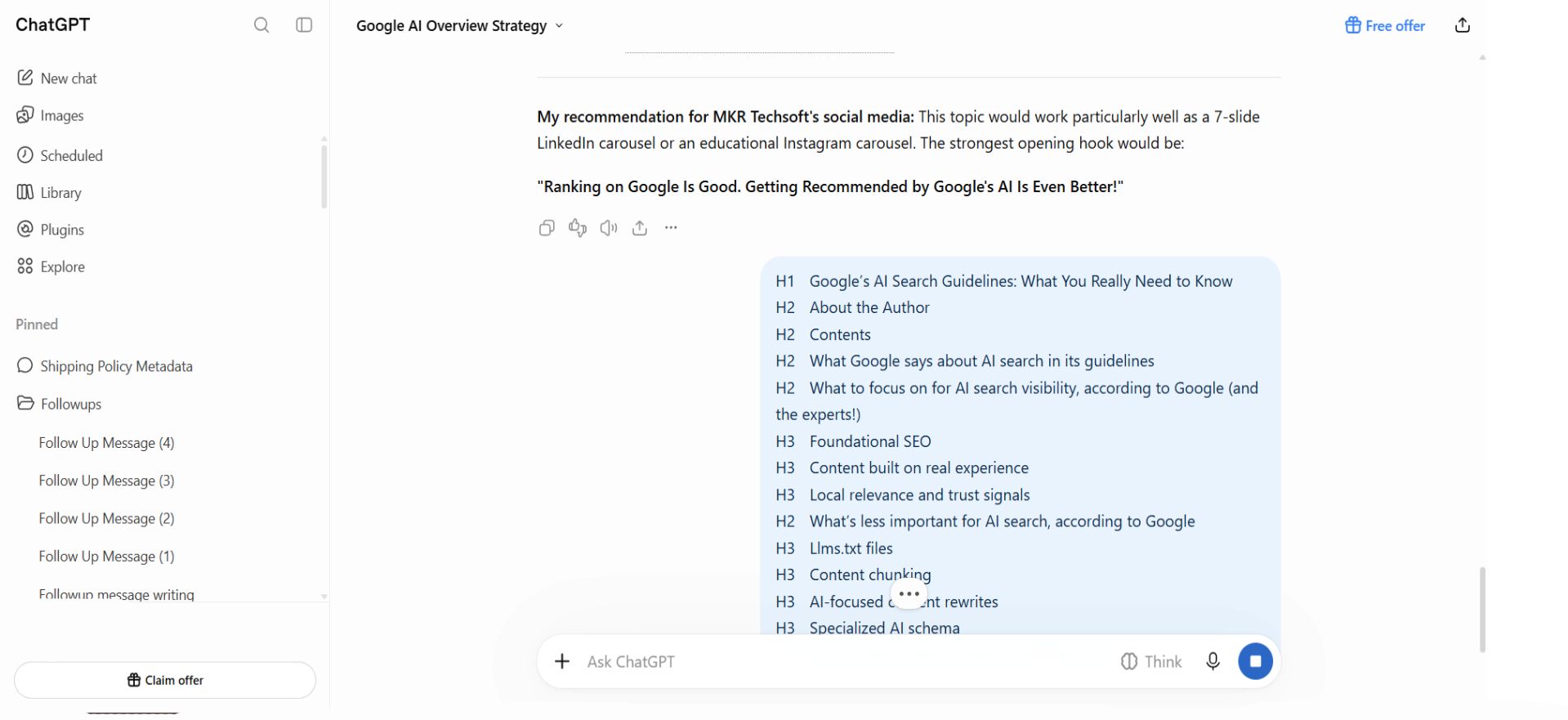
Now you have the search query and headings from three other websites. You can use them to prepare your own blog outline.
Open ChatGPT and share:

Write the Complete Blog Using ChatGPT
Once your outline is ready, ask ChatGPT to write the full blog.
Share your outline and use this prompt:
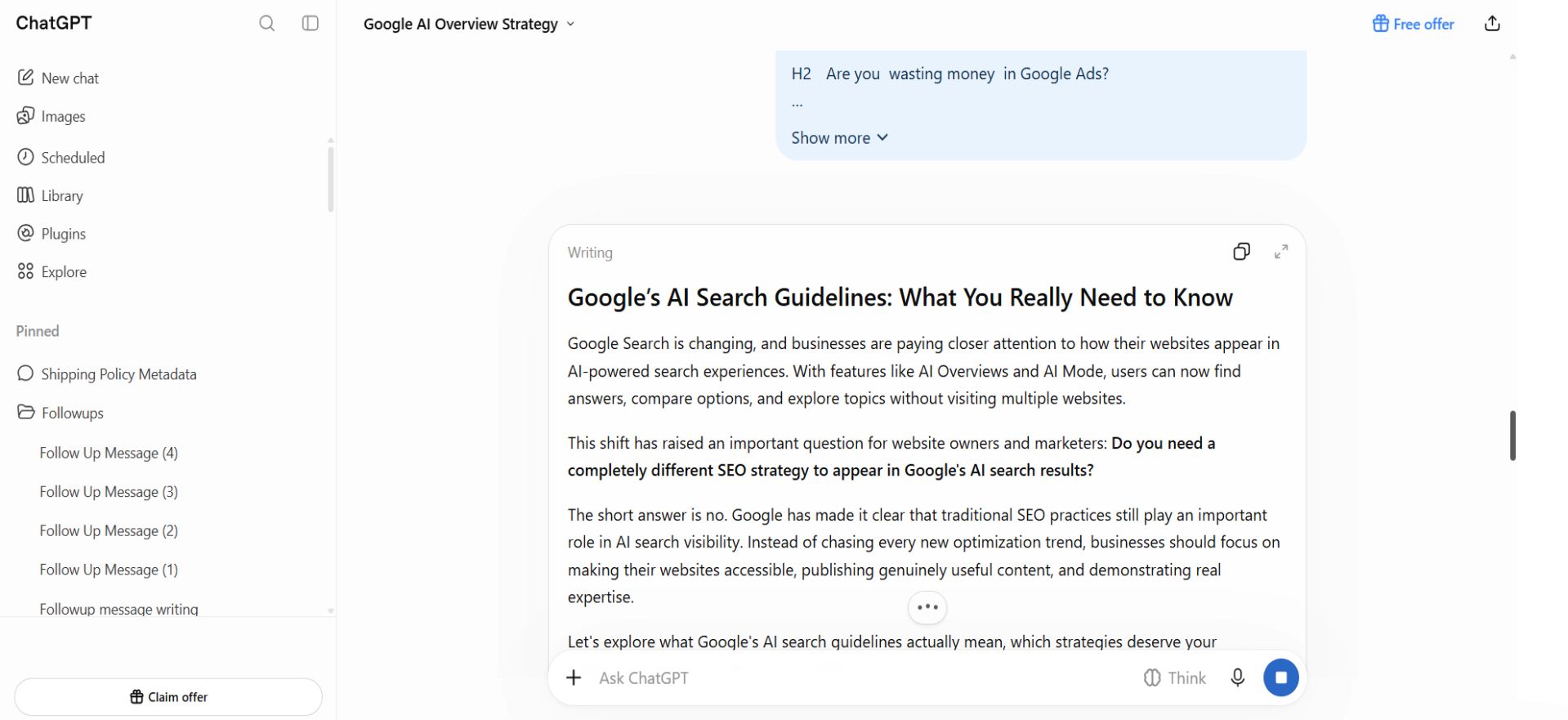

Create the SEO Title, Meta Description and URL Slug
After writing the blog, ask ChatGPT to suggest an SEO title, meta description and URL slug.
Use this prompt:
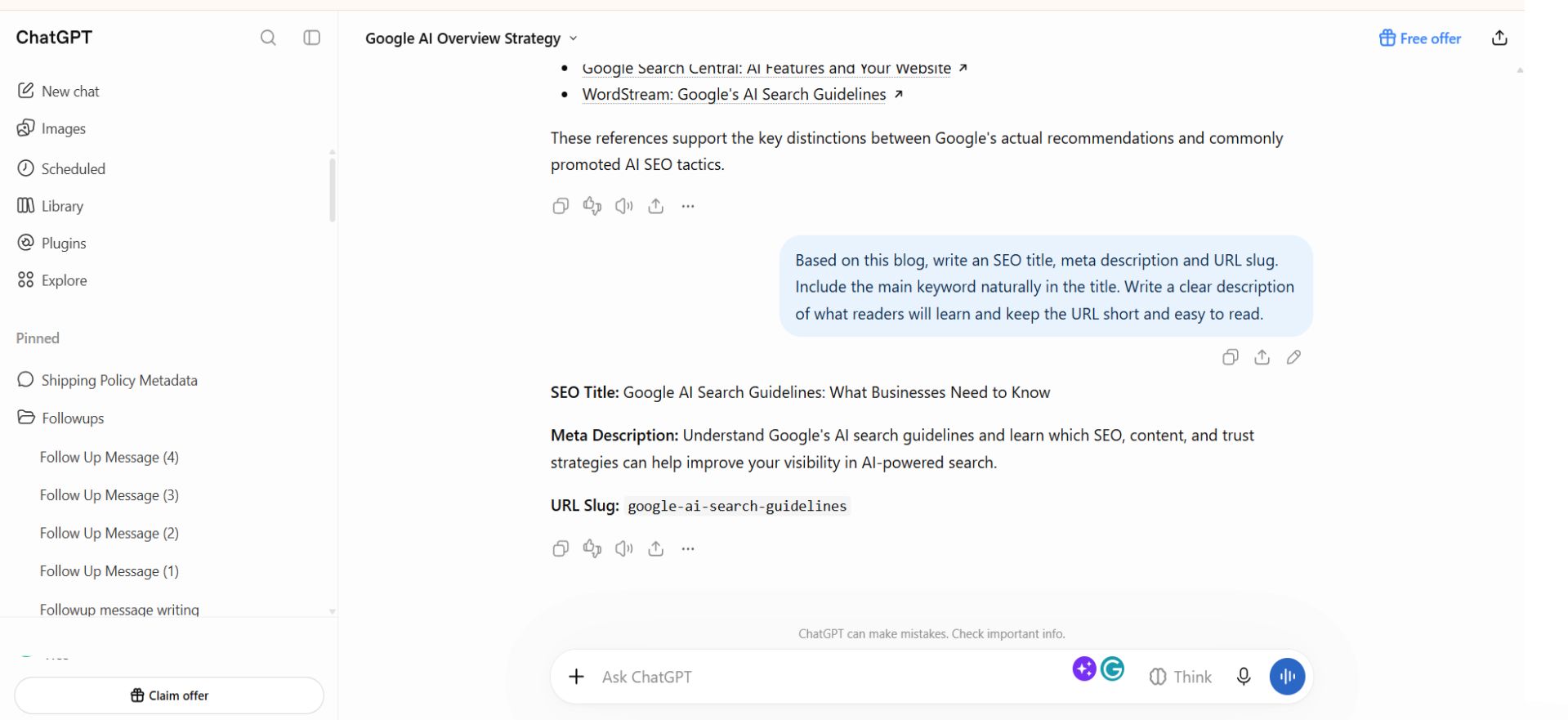

Add Internal Links to the New Blog
After publishing your blog, add links to it from two or three related articles on your website. Find existing articles that already rank on Google. Read through them and look for a place where your new blog fits naturally.
For example, if your new article is about getting featured in Google AI Overviews, you can link to it from an existing blog about SEO or Google search.
Use words that tell readers what they will find when they click the link. Make sure the link makes sense in that part of the article.